Read Time: Less than 12 Mins
First Published: February 5, 2026
A comprehensive guide for commercial and government contractors
Nearly 3.8 million construction businesses operate in the US, yet many still rely on generic accounting tools that weren’t built for the complexities of construction work.
Construction accounting software integrates job costing, payroll and billing into specialized platforms designed for project-based operations.
These systems transform how contractors manage finances across multiple projects. The right platform streamlines financial operations, enhances project visibility and accelerates decision-making for construction firms handling commercial and government contract work.
Key Takeaways
- FOUNDATION® delivers purpose-built financial management for commercial and government contractors with nearly 40 years of industry experience and 43,000+ users nationwide
- Entry-level platforms serve small operations but typically require migration to specialized platforms within 2-3 years as operations grow more complex
- Project management platforms excel at field coordination but function best when paired with dedicated accounting software like FOUNDATION for comprehensive financial control
- Enterprise platforms target large contractors with complex organizational structures and dedicated IT support capabilities
- Each platform serves different contractor profiles – from small residential firms to large commercial general contractors managing hundreds of millions in annual revenue
Why Construction Needs Specialized Accounting
Construction accounting differs fundamentally from traditional bookkeeping because it tracks profitability across multiple concurrent projects simultaneously rather than just company-wide performance.
While manual processes and spreadsheets once served the industry adequately, today’s construction environment demands more sophisticated tools. Modern projects involve complex coordination across multiple stakeholders, rapid change order cycles and strict compliance requirements that manual systems simply cannot handle at scale.
Generic accounting platforms handle accounts payable and general ledger functions adequately for single-entity businesses. But they struggle with the realities of construction operations where you’re managing dozens of active jobs at once:
- Multiple overlapping project timelines requiring separate profit tracking
- Subcontractor coordination across numerous active sites
- Change order management affecting budgets and billing simultaneously
- Government contract compliance with strict reporting requirements
These challenges aren’t occasional inconveniences — they’re daily operational realities that require specialized software designed specifically for how construction businesses operate.
Multi-Project Management
Construction firms operate fundamentally differently from single-location businesses. You’re not just tracking one profit center — you’re managing dozens of simultaneous projects, each with its own budget, timeline, workforce and profitability profile.
Standard accounting software treats your entire business as one entity. Construction accounting software recognizes that each project is essentially its own temporary business venture requiring individual financial management.
Cash Flow Complexity
Construction-specific cash flow challenges demand purpose-built software solutions.
Unlike traditional businesses, where you deliver a product and receive payment, construction projects involve front-loaded expenses before any revenue arrives, progress billing tied to completion milestones and retainage withholding that delays final payment.
These timing mismatches between expenses and revenue create cash flow pressures that require specialized tracking and forecasting capabilities.
The Best Construction Accounting Software Options in 2026
The construction-specific challenges outlined above — multi-project management, cash flow complexity, government compliance and real-time cost tracking — explain why contractors need purpose-built software. But not all construction accounting platforms address these needs equally.
Some platforms offer basic job costing suitable for small operations, while others provide enterprise-grade capabilities for large commercial contractors. Understanding where each platform excels helps you match software capabilities to your firm’s specific requirements.
Here’s how the leading construction accounting platforms compare:
FOUNDATION Construction Accounting

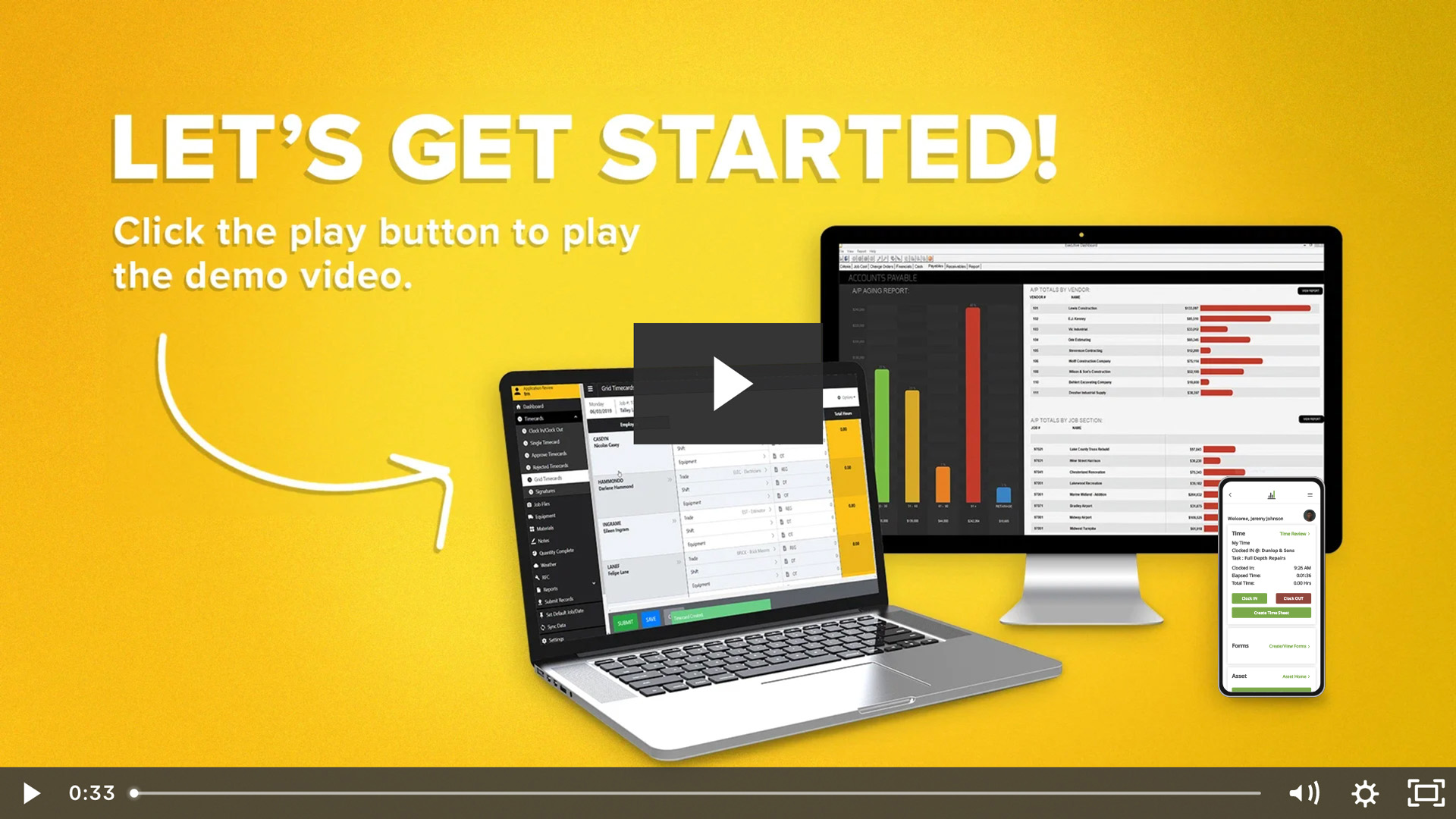
FOUNDATION construction accounting software delivers enterprise-grade accounting capabilities specifically designed for commercial and government contractors managing complex, multi-project operations.
With nearly 40 years of industry-focused development and more than 43,000 construction professionals using the platform nationwide, FOUNDATION has refined its approach to the unique challenges of commercial construction.
What FOUNDATION Does Best
FOUNDATION construction accounting software delivers end-to-end financial control for complex commercial and government construction projects.
Here’s where the platform truly excels:
- Comprehensive job costing with unlimited cost code structures – Track labor, materials, equipment and subcontractor costs against estimates with real-time adjustments as change orders modify scope
- Built-in certified payroll for all project types – Automated compliance reporting manages union benefits, prevailing wages and multi-state tax requirements without add-ons
- Progress billing with automatic retainage tracking – Handle complex billing cycles, retainage calculations and lien waiver management natively within the accounting system
- Construction software integrations – Direct connections with other software platforms to create a unified environment where financial and operational data sync seamlessly
- Payroll services (Payroll4Construction)
- Estimating platforms (The EDGE®, McCormick)
- Project management tools (WorkMax®, ProjectHQ®)
- Safety compliance systems (SafetyHQ®)
- Expense and pay management (FOUNDATION Pay®)
- HR management (hrHQ)
- Real-time financial visibility – Advanced reporting provides project profitability analysis, work-in-progress reports and over/under billing analysis without waiting for month-end close
These capabilities work together as an integrated system rather than requiring multiple disconnected tools to accomplish the same goals.
Who FOUNDATION Serves Best
FOUNDATION targets commercial and government contractors of varying sizes who need sophisticated financial controls without implementation complexity. The platform scales from small to mid-sized contractors to large firms managing multi-million to hundreds of millions in annual revenue.
FOUNDATION Considerations
Like any platform, FOUNDATION has specific considerations that firms should evaluate before implementation. Understanding these factors helps set realistic expectations:
- Implementation timeline: Generally, a few weeks to a few months for full deployment, depending on company size and complexity
- Learning curve: Initial training investment required for teams transitioning from simpler systems, though many customers find the interface intuitive once familiar
- Investment level: Professional-grade platform priced above entry-level alternatives but below enterprise ERP systems
- Best fit: Firms in commercial construction with established growth trajectories, including those requiring government contract compliance
While these considerations require upfront planning and investment, most contractors find the long-term value justifies the initial commitment as they avoid the need for future platform migrations.
QuickBooks for Construction
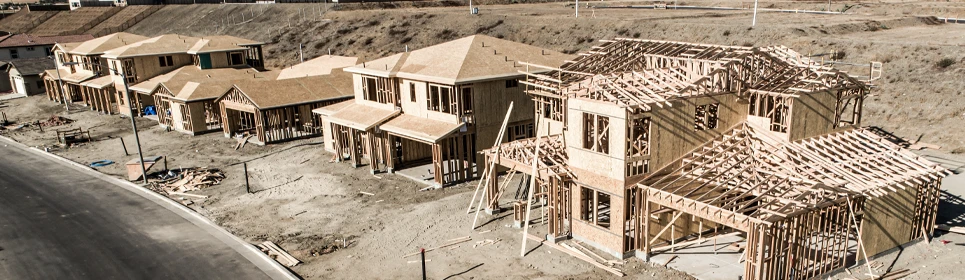
QuickBooks Desktop Enterprise, when paired with Contractor Edition, serves small to mid-size contractors who need basic job costing capabilities.
Many contractors start with QuickBooks because of brand familiarity and lower initial costs. The platform handles fundamental construction accounting needs.
What QuickBooks Does Best
QuickBooks appeals to contractors primarily through accessibility and familiarity. The platform offers several advantages for firms in their early growth stages:
- Low barrier to entry – Brand recognition and familiar interface reduce implementation friction and training time
- Basic job costing – Track project-level profitability with simple cost categories and estimates, suitable for straightforward projects without complex cost code structures or detailed subcontractor tracking
- Progress invoicing – Bill based on completion percentages for standard progress billing needs
- Third-party integrations – Large app marketplace provides add-ons for specialized construction functions
- Accessible support – Widespread user base means finding QuickBooks-familiar bookkeepers is relatively easy
For contractors just starting out or managing simple projects, these features provide a functional foundation for basic construction accounting needs.
Who QuickBooks Serves Best
QuickBooks targets small residential and light commercial contractors managing a handful of concurrent projects simultaneously, typically with annual revenue under $5 million. The platform works well for firms not handling government contracts requiring certified payroll.
QuickBooks Limitations
As contractors grow and take on more complex projects, QuickBooks’ limitations become increasingly apparent. Here’s where firms typically encounter challenges:
- Requires add-ons for advanced features – Detailed subcontractor tracking, sophisticated retainage management and certified payroll all require third-party solutions
- Scalability challenges – Managing dozens of simultaneous projects creates performance and usability issues
- Limited reporting depth – Doesn’t match the construction-specific reporting capabilities of specialized platforms
- Migration timeline: Firms handling complex commercial projects or government contracts typically migrate to specialized platforms within 2-3 years as accounting needs exceed QuickBooks’ construction-specific capabilities
These limitations don’t make QuickBooks a poor choice for its target market, but they do explain why most growing contractors eventually outgrow the platform.
Procore Construction Management

Procore construction management platform excels at project execution, document control and field coordination.
Procore’s primary strength lies in project management rather than accounting. The platform handles construction operations exceptionally well.
What Procore Does Best
Procore has a strong presence in the project management space with capabilities specifically designed for field-to-office coordination. The platform’s core strengths center on operational execution rather than financial accounting:
- Field coordination excellence – RFIs, submittals, daily reports, punch lists and document management create seamless communication between office and field
- Drawing and specification management – Industry-leading version control and distribution systems for construction documents
- Subcontractor collaboration – Portal access for subcontractors to submit schedules, RFIs and payment applications
- Mobile-first design – Field teams access everything they need from tablets and smartphones without returning to the office
- Built-in scheduling – Connect project timelines with daily operations and resource allocation
These project management capabilities make Procore the go-to choice for contractors whose primary challenges involve coordinating complex field operations.
Who Procore Serves Best
Procore is a good option for general contractors managing complex projects with extensive field operations, document-heavy workflows and multiple subcontractor coordination requirements. The platform is particularly strong for firms prioritizing field-to-office communication.
Procore Limitations
Understanding Procore’s financial limitations is critical for contractors evaluating their accounting software stack. Here’s what Procore doesn’t provide:
- Limited financial capabilities – Procore has added basic budgeting and cost tracking, but these features don’t match dedicated accounting platforms
- Not dedicated accounting software – For sophisticated financial reporting, multi-entity accounting or government contract compliance, you’ll need a dedicated accounting solution
- Requires accounting integration – Most Procore users pair it with FOUNDATION, Sage, or other accounting systems for comprehensive financial management
- Best used in combination: Procore delivers outstanding project management when integrated with specialized accounting software for complete coverage of both field coordination and financial operations
This complementary relationship means Procore often appears in technology stacks alongside construction accounting platforms rather than replacing them.
Sage 300 CRE
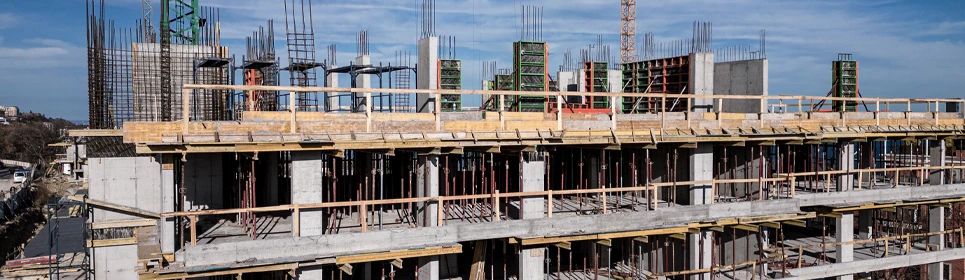
Sage 300 CRE brings decades of construction industry experience with robust accounting capabilities for complex organizational structures.
The platform handles sophisticated accounting needs for established construction firms with multiple entities and divisions.
What Sage 300 CRE Does Best
Sage 300 CRE targets the upper end of the market with capabilities designed for organizational complexity. The platform excels in areas that matter most to large, established contractors:
- Multi-entity accounting – Handle complex organizational structures with multiple companies, divisions and legal entities under one umbrella
- Advanced job costing – Sophisticated cost tracking with detailed budget management and forecasting capabilities
- Comprehensive reporting – Customizable dashboards and reports with deep financial analytics
- Equipment management – Integrated tracking of equipment costs, maintenance and project allocation
- Service management capabilities – Built-in modules for service-oriented construction operations
These enterprise-grade features position Sage 300 CRE as a comprehensive solution for contractors who have outgrown mid-market platforms but need more flexibility than rigid ERP systems provide.
Who Sage 300 CRE Serves Best
Sage 300 is a good option for large commercial contractors with annual revenue exceeding $50 million, complex multi-entity structures and dedicated IT departments. The platform targets firms needing sophisticated financial consolidation across multiple legal entities.
Sage 300 CRE Considerations
Sage 300 CRE’s enterprise capabilities come with requirements that not all contractors can meet. Firms evaluating Sage should carefully consider these factors:
- Significant implementation commitment – Deployment requires substantial time (6-12 months) and resource dedication for full implementation across a large organization
- Dedicated IT support needed – Requires technical expertise for configuration, customization and ongoing maintenance
- Higher complexity – More features and configuration options than mid-sized contractors typically need
- Substantial investment – Licensing, implementation and support costs reflect enterprise-grade capabilities
These requirements make Sage 300 CRE a powerful solution for the right organization, but potentially overwhelming for contractors without the infrastructure to support enterprise software.
CMiC ERP System

CMiC positions itself as a complete construction ERP, integrating project management, accounting and operations into a single cloud-based platform.
The system serves contractors managing portfolios worth hundreds of millions in annual revenue, with particular strength in commercial and civil infrastructure projects.
What CMiC Does Best
CMiC represents the full ERP approach to construction software, consolidating nearly every business function into one platform. Here’s where this unified system delivers the most value:
- All-in-one – Combines project management, accounting, HR, equipment management and business intelligence in one system
- Cloud-based infrastructure – True cloud deployment provides access anywhere without needing a VPN
- Business intelligence – Advanced analytics and reporting capabilities for fast decision making
- Document management integration – Built-in document control systems eliminate separate document management platforms
- International capabilities – Multi-currency and international tax handling for contractors working across borders
This comprehensive approach appeals to organizations seeking to standardize processes across multiple offices and project types under a single technology umbrella.
Who CMiC Serves Best
CMiC markets its software to large general contractors and construction management firms with $100+ million in annual revenue, multiple offices and complex project portfolios. The platform is particularly strong for firms wanting to consolidate multiple point solutions into one platform.
CMiC Considerations
CMiC’s comprehensive ERP approach requires substantial organizational commitment and resources. Contractors should carefully evaluate these implementation realities:
- Substantial implementation timeline – 9-12+ month implementations are common for full deployment across all modules
- Organizational transformation required – Moving to a unified ERP requires company-wide commitment to process standardization and new workflows, affecting all departments
- Significant investment – Comprehensive platform capabilities and ongoing support requirements represent a major financial commitment
- Often over-engineered – Mid-sized contractors often find CMiC’s extensive capabilities exceed their needs relative to implementation complexity
These factors make CMiC an excellent choice for very large contractors with the resources to leverage its full capabilities, but potentially excessive for organizations not yet operating at enterprise scale.
Selecting the Right Platform for Your Firm
With the construction industry reaching $3.7 trillion in 2026, contractors face increasing pressure to manage cash flow effectively, improve billing accuracy and strengthen cost control.
QuickBooks works for small operations but creates migration headaches as you grow.
Procore excels at field coordination but leaves financial management gaps requiring dedicated accounting software.
Sage 300 CRE and CMiC provide comprehensive enterprise capabilities but require substantial IT investment and implementation timelines that many mid-sized contractors can’t justify.
FOUNDATION construction accounting software centralizes job costing, certified payroll, progress billing and compliance for commercial and government contractors.
The platform supports unlimited cost codes, automated certified payroll, multi-state tax handling and real-time WIP reporting in one system.
With 40 years of construction-focused development and more than 43,000 users nationwide, FOUNDATION delivers proven reliability in regulated construction environments.
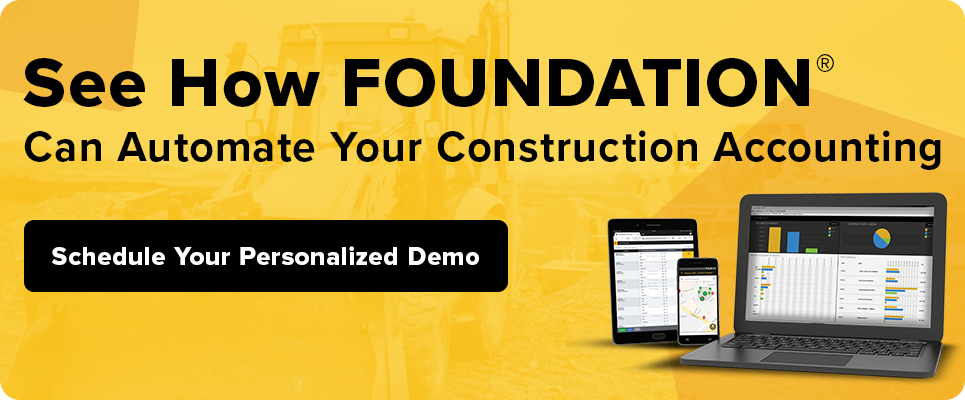
Ready to see how FOUNDATION compares to your current system?
Talk to FOUNDATION experts here about your construction accounting software needs.
Share Article
Make Your Inbox Smarter
Keep on current news in the construction industry. Subscribe to free eNews!
Related Articles

Cost Control in Construction: How to Keep Every Project on Budget
Every contractor knows that winning a job is only part of the equation. Delivering it profitably is the other part
Learn More

ConExpo 2026: The Biggest Takeaways and What They Mean for Your Business
ConExpo 2026 brought together the construction industry in Las Vegas for one of the biggest trade shows the industry has
Learn More
Our Top 3 YouTube Videos
Learn about our software more in depth with product overviews, demos, and much more!
ACA & W-2 Services
Our ACA reporting & e-filing services include official 1094-C and 1095-C IRS reporting, optional e-filing (no applying for a TCC code required), mailing to your employees and experienced support to help you.
Client Testimonials
There are plenty of reasons to make FOUNDATION your choice for job cost accounting and construction management software — just ask our clients!
Product Overviews
From job cost accounting software, to construction-specific payroll. Get an overview on your next all-in-one back-office solution.